
Automated Vs Live Webinars: Similarities, Differences, Pros, & Cons
There’s certainly a big difference when it comes to automated vs live webinars.
But not only that?
You need to know a few things before you get started with each, such as:
- What type of webinar should you run first?
- What are the pros and cons of automated and live webinars?
- And don’t forget about being able to efficiently run each type of webinar.
We’ve got a lot to cover so let’s get right into the swing of things.
Automated Vs Live Webinars: What’s The Big Difference Anyway?
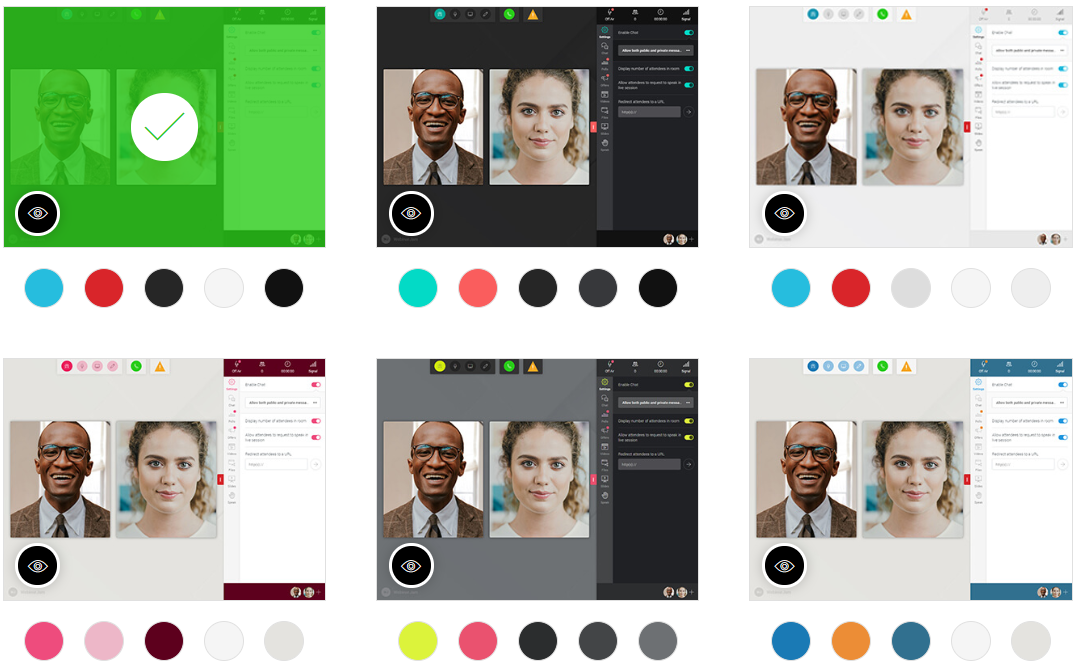
Let’s talk a little bit about automated webinars first.
Automating a webinar simply means pre-recording it and letting it play around the clock.
Helpful Note: This is where the term “automated webinar” came from.
And then, on the other hand, you are going to have live events.
A live webinar is a presentation or event that is held in real-time.
You have to be there to make the presentation (which is different from automated events).
Live Webinars Vs Automated: The Pros And Cons
There are always going to be pros and cons when it comes to running these types of webinars.
Nevertheless.
This section is going to be important when it comes to deciding which webinar is best for you.
Heck, you might even find out that you’d like to run both live and automated events.
With that being said, here are the pros and cons of running both live and automated events.
Live Webinars: The Good, The Bad, And The High Conversions
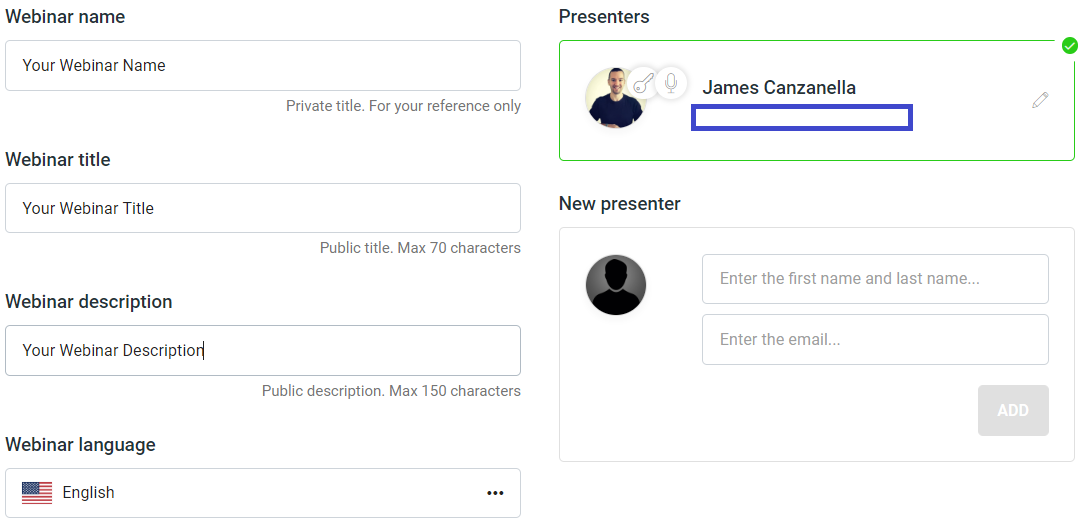
When it comes to running live events, allow me to site the pros and cons first.
Then, of course, I’ll be talking more about the highs and the lows of live events.
Pros
- Fast to get up and running.
- You can counter any objection.
- You can address anyone and everyone.
- They tend to be much higher in converting.
- It allows you to get to know your audience much better.
- You can always tweak your webinar after each presentation.
Cons
- Things can (really) go wrong.
- They require more effort, preparation, and work.
- You have to be there for the presentation (harder to scale).
- You have to give a live presentation (and everything that comes with that).
First and foremost, you can get your very first live webinar up and running very quickly.
You can be ready to hit GO with your presentation in as little as 60 seconds.
Don’t believe me?
Be sure to check out the helpful article about one of the best live webinars platforms below.
Highly Related: Express configuration explained in the WebinarJam review.
Now I want to help you with a golden nugget when it comes to live events.
This is something that I was once taught and I want to pass it on to you.
I recommend that you run live webinars before automated webinars.
I wanted to start you off with that golden nugget based upon a few of the pros above.
First and foremost, live events tend to convert much higher than automated events.
And by running live events first (and frequently)?
It’s going to allow you to dial in your webinar when it comes to conversions.
By going live, it allows you to:
- Interact with ALL of your audience.
- Answer any questions that they have.
- And don’t forget about countering objections.
The three bullet points that I listed above can all lead to one thing:
A much higher-converting webinar for you.And once your webinar is converting higher, than you can move to it automated.
I’m getting ahead of myself though.
Let’s not forget about the fact that live webinars mean you’re giving a presentation.
Giving any type of live presentation can certainly come along with:
- Fear.
- Stress.
- And even anxiety.
Don’t worry too much though.
As giving a presentation based off of reading slides isn’t as bad as you think.
It’s nowhere near like giving a public speech, face-to-face, in front of hundreds of people.
Something else to keep in mind when it comes to live webinars:
- They take more work and preparation.
- And they will also take up much more of your time (because you have to present them).
Don’t forget about the possibilities of things not working out as well as you wanted:
- Messing up.
- Bad internet-connection.
- Attendees not being able to attend or hear you.
- Spilling your coffee and crashing your computer (like Russ Ruffino once did).
This is the pay-off for running live webinars though.
Helpful Note: Those aren’t things that happen all the time (just a few extreme examples).
Things change when you consider just how much revenue they can bring in for your business.
And then you start to realize that the trade-off just really isn’t that big of a deal.
Automated Webinars: The Good, The Bad, And The Hands-Free
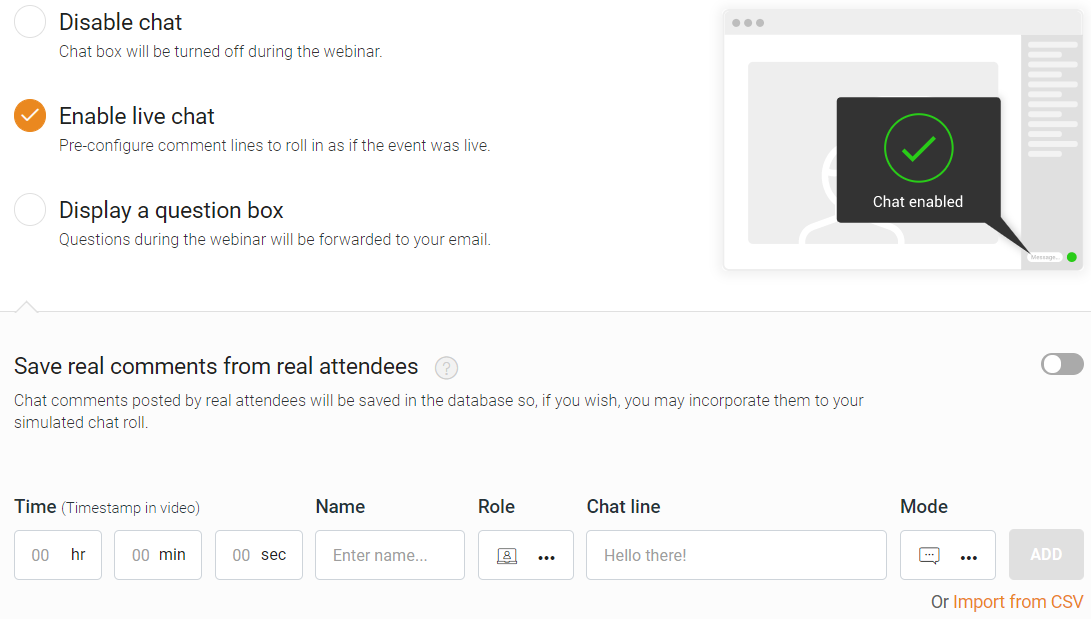
Automated webinars come with a few pros and cons as well.
Let’s have a look at what they are.
Pros
- Perfect for scaling an offer.
- Less stress, less work, less preparation.
- You can reach anyone in the world at any time.
- Automated and hands-free (saves you a TON of time).
- People can hear your message and buy your offers around the clock.
Cons
- They don’t convert as high compared to live webinars.
- More work to set up the initial automated webinar (but it’s only once).
- You can’t directly counter objections and answer any questions (unless automated).
There’s no doubt about it that automated events are certainly sexier (so to speak).
You get to do prepare and work less, while also saving a ton of time.
You can reach anyone in the world, at any time that you like.
Oh, and I almost forgot the best part about automated events.
You can make automated sales as well.This is what’s also referred to as passive income, and it’s a great way to scale your business.
Onto the flip side now.
You tend to lose out slightly on conversions when you turn to an automated webinar.
This is because you aren’t live, which means that you can’t:
- Answer questions live.
- Address and counter new objections.
However, if you set up your automated webinar to the best of your abilities?
Your automated webinar should then answer and address every question and objection possible.
Lastly, automated webinars take a little longer to set up at first.
This is simply for the fact that you have to edit more automated settings such as:
- Your already recorded video presentation.
- The add-to-cart button along with when it gets shown.
- The chat (especially if you want to add in automated comments).
Keep in mind that this still doesn’t take too long to do.
We’re talking about many an hour or two (depending on which webinar tool you use).
You can see an example of setting up an automated webinar in the article I put below.
Highly Related: The EverWebinar review and automated presentation setup.
So those are the pros and cons when it comes to live vs automated webinars.
Let’s get to the end and wrap up this webinar discussion now.
Live Vs Automated Webinars Conclusion: Getting Started With Your Webinar
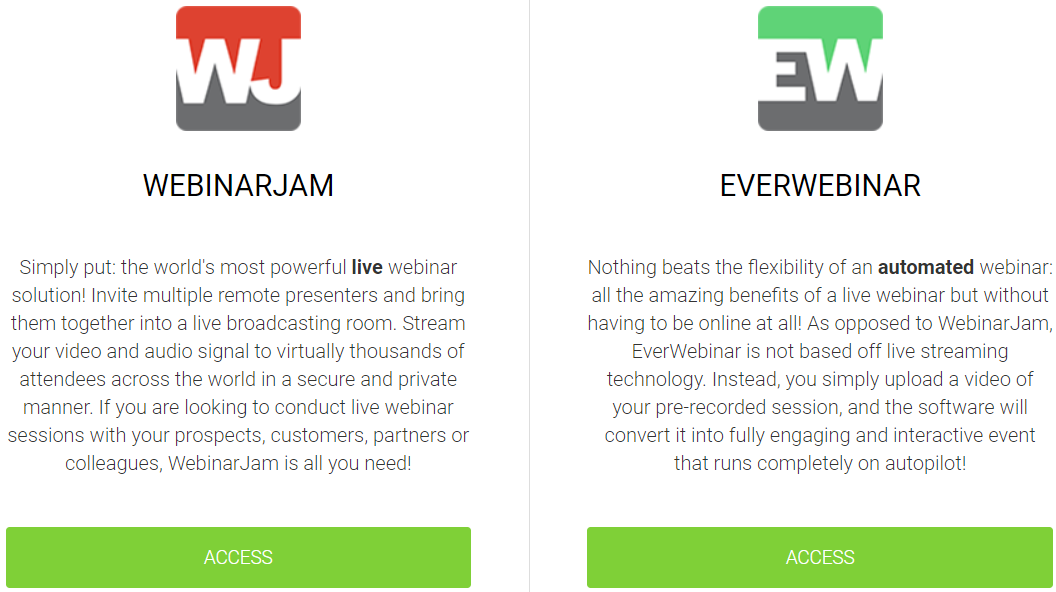
Automated vs live webinars. Automated webinars run without you being there and require less effort and work. Live webinars take more time and effort but tend to convert much higher.
Given all of the information that you now have?
Here are a few more cliff notes to help you even when it comes to this topic.
Use Live Webinars If
- You’re just getting started with webinars.
- You want a webinar that is going to convert higher.
Use Automated Webinars If
- You need to free up more time with your business.
- You already have a live webinar that’s converting well (and you want to scale).
And if you need help when it comes to picking a live or automated platform?
I highly recommend that you read the post down below for more information.
Highly Recommended Read: EverWebinar compared to WebinarJam.
Thank you for expressing more interest when it comes to live vs automated webinars.
Running webinars is one of the best ways to increase your sales.
So regardless of which webinar platform you go with?
I know that you’ll truly love what webinars can do for you.
Happy webinar marketing!
About the Author James Canzanella
A former personal trainer who went from unemployment to online business success. He's been marketing since 2012 and (still) enjoys lifting weights, listening to rock music, and relentlessly quoting movie lines.
