
LeadPages Free Trial: Step By Step Walkthrough
I’m going to show you exactly how to get a LeadPages free trial.
Aside from that?
I’ll also be answering all of the important questions about this topic.
I imagine that you’re busy so let’s get started.
LeadPages Free Trial Video Introduction
Consider this the quick visual cliff notes if you prefer visuals instead.
Simply click the play button below to watch:
Here is the link that I talked about for getting started:
Now onto the specific steps (don’t worry it’s very easy).
Getting Your Free 14 Day Trial
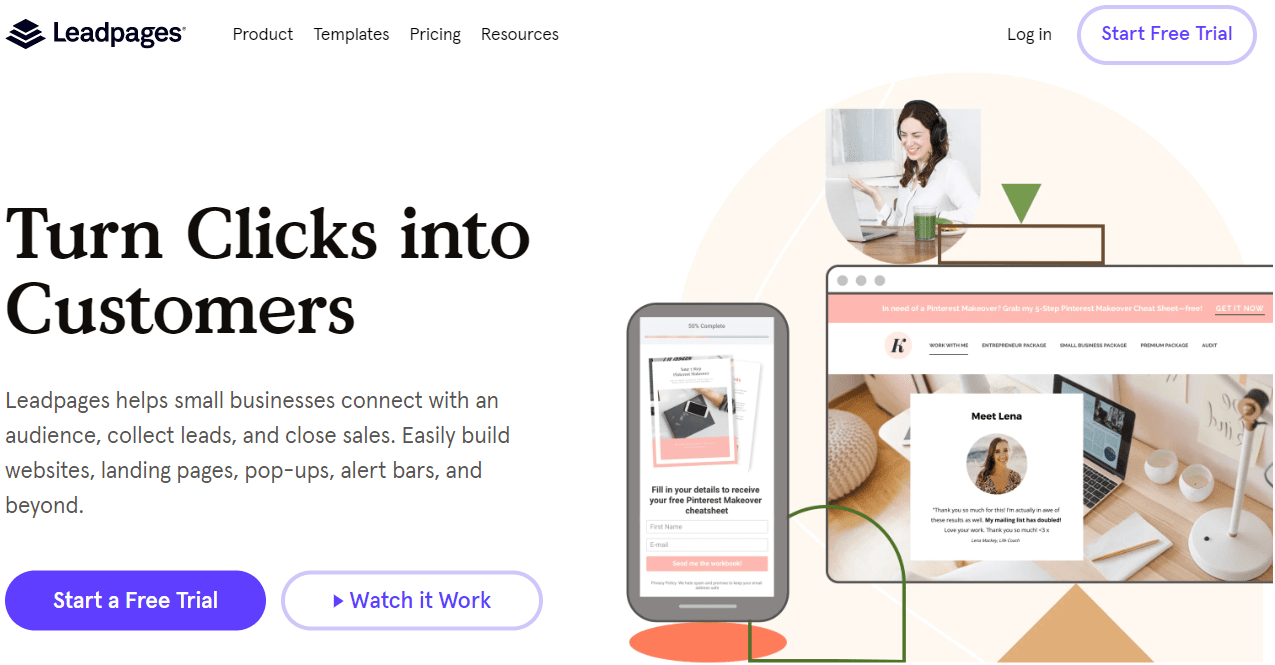
So after you click the link above, you’ll get taken to the LeadPages home page.
It will look something like the image above, but it can always be slightly different.
On their home page:
- Click on the Start a Free Trial button (it’s in multiple spots on the page).
You will then get taken to the following page that shows all of the LeadPage options.
Here is one more screenshot to help you a little more:
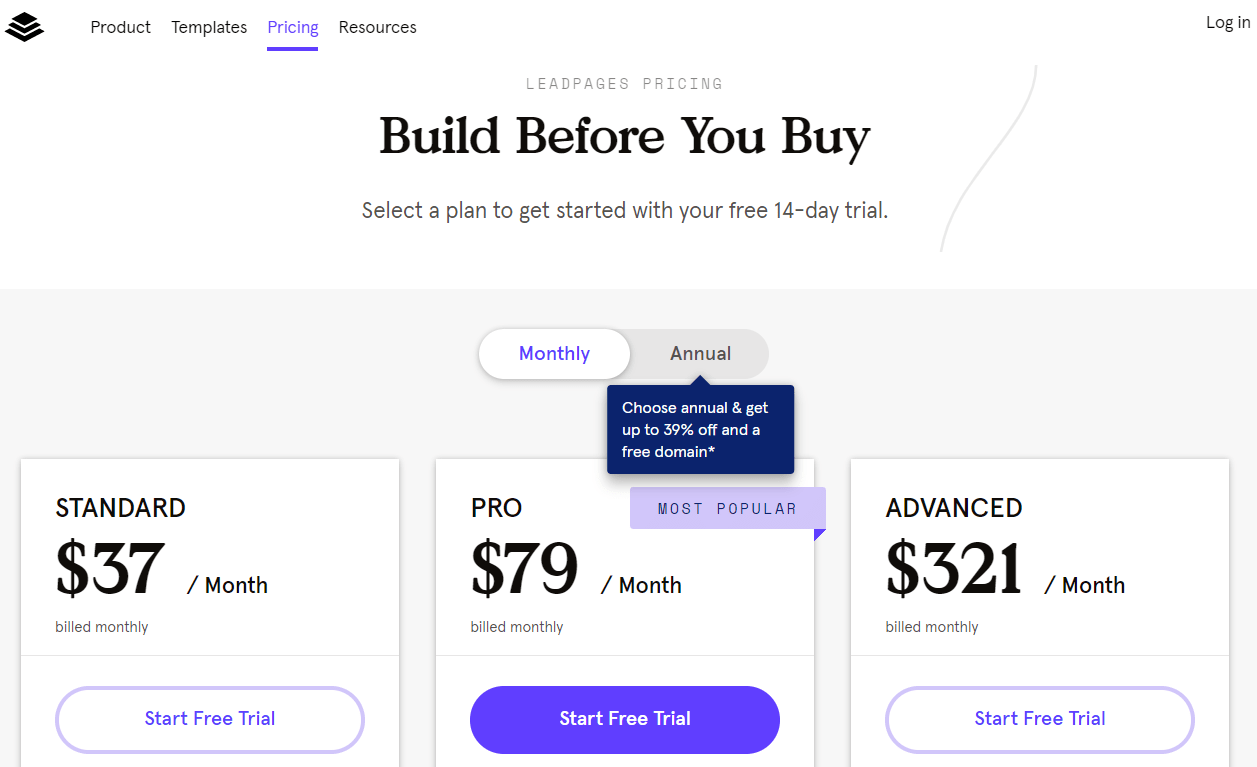
So regardless of which LeadPages plan you end up going with?
You’ll still get the ability to test out LeadPages for free for 14 days.
If you need help deciding then I recommend that you check out the relates post below.
Related Post: The LeadPages pricing plans.
Or if you want the cliff notes?
The LeadPages Pro plan is a solid option to start with as it has many great perks.
Regardless of which option that you end up picking, you will need to:
- Click on the Start Free Trial button under the appropriate plan.
This now brings us to the last step.
Setting Up Your LeadPages Account
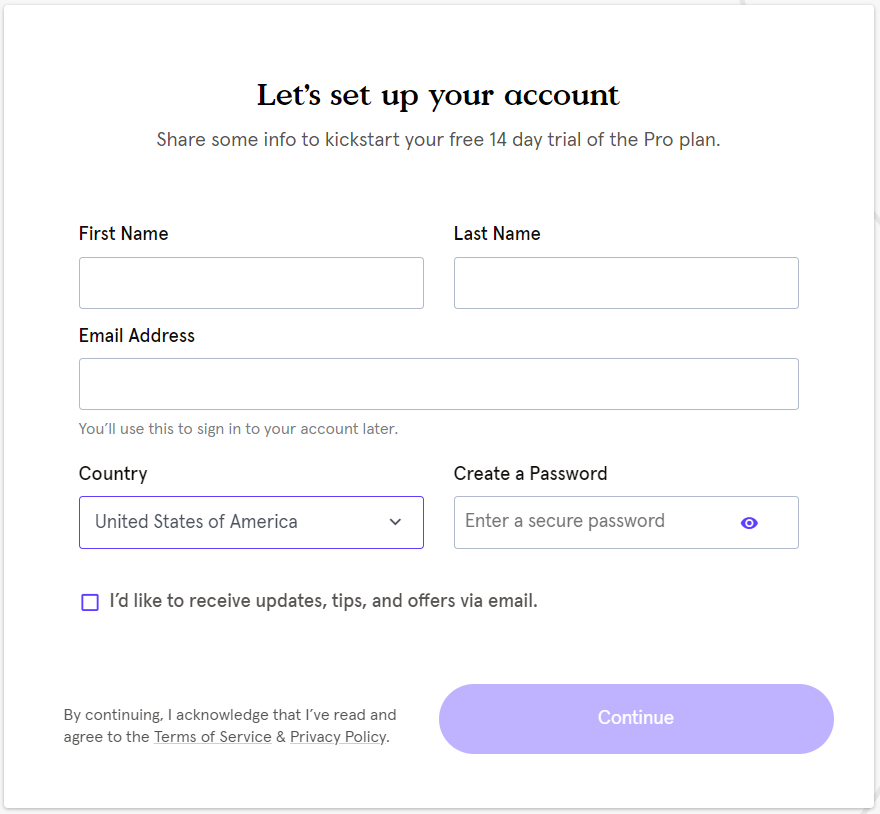
This is the last step where you will have to enter a few more details such as:
- First name.
- Last name.
- Email address.
- Creating a password (as well as choosing your country).
After you fill out the information on this page, click on the Continue button.
The last page is where you will fill out your personal information so that’s on you.
Here is the link again in case you didn’t get to start the steps yet:
Now allow me to answer some of the most popular questions regarding this topic.
Do You Have To Give Your Credit Card Info For A Free Trial?
You will need to.
This is done for a few reasons (and it’s the same as other landing companies):
- It helps to prevent fraud.
- So you don’t experience in your subscription if you decided to use it.
You can always cancel, downgrade, or upgrade any time that you like.
Can You Still Get A LeadPages 30 Day Trial?
You currently can NOT get a LeadPages 30 day trial.
This is something that they offered a long time ago and is no longer available.
While it would be nice to have, fourteen days is still plenty of time to test this software.
LeadPages 14 Day Trial Conclusion
I hope that this post helped you out when it comes to a few things:
- Getting started with LeadPages.
- As well as clearing up the questions when it comes to trial duration.
So allow me to finalize things:
- There is NO current LeadPages 30 day.
- There is also NO current LeadPages 60 day trial.
Now there won’t be any more confusion when it comes to those questions.
Don’t forget to follow the steps shown in this tutorial:
I’ll put a related post down below in case you need more information about LeadPages.
Related Post: You’ll love this LeadPages review.
Happy marketing!
About the Author James Canzanella
A former personal trainer who went from unemployment to online business success. He's been marketing since 2012 and (still) enjoys lifting weights, listening to rock music, and relentlessly quoting movie lines.
